आज के समय में Instagram Creators, Businesses, Brands और Influencers के लिए एक ऐसा Platform बन चुका है जहाँ वे अपनी audience के बीच online presence बनाते है । अगर आप अपनी online presence को लेकर serious हैं, तो Instagram पर अपनी profile को सही तरीके से optimize करना आपके लिए बेहद ज़रूरी है.
Instagram Profile ही आपके बारे मे audience को सब कुछ बताती है जैसे की आप कौन है? आपकी niche क्या है, आपके business के बारे मे, आपकी brands, Products and Services के बारे मे , आपका content और आप क्या चाहते है सब कुछ आपकी profile से clear हो जाता है
मुझे पता है आज भी बहुत से लोगो को Instagram profile को सही तरीके से optimized करना नहीं आता इसलिए don’t worry! आज मैं आपको step-by-step बताउंगी कि आप कैसे अपना इंस्टाग्राम profile को SEO-friendly और engaging बनाये.
Instagram पर Profile Optimize कैसे करें 2026
Instagram Profile को Optimized करने से ही आप Instagram पर grow कर सकते है आज के लेख मे आपको काफ़ी महत्वपूर्ण Steps जानने को मिलेंगे जिस से आपको अपनी Instagram profile optimized करने मे मदद मिलिगी.
तो चलेये step by step जानते है साल 2026 मे Instagram पर Profile Optimize कैसे करें?
Step 1: Username सही चुनें
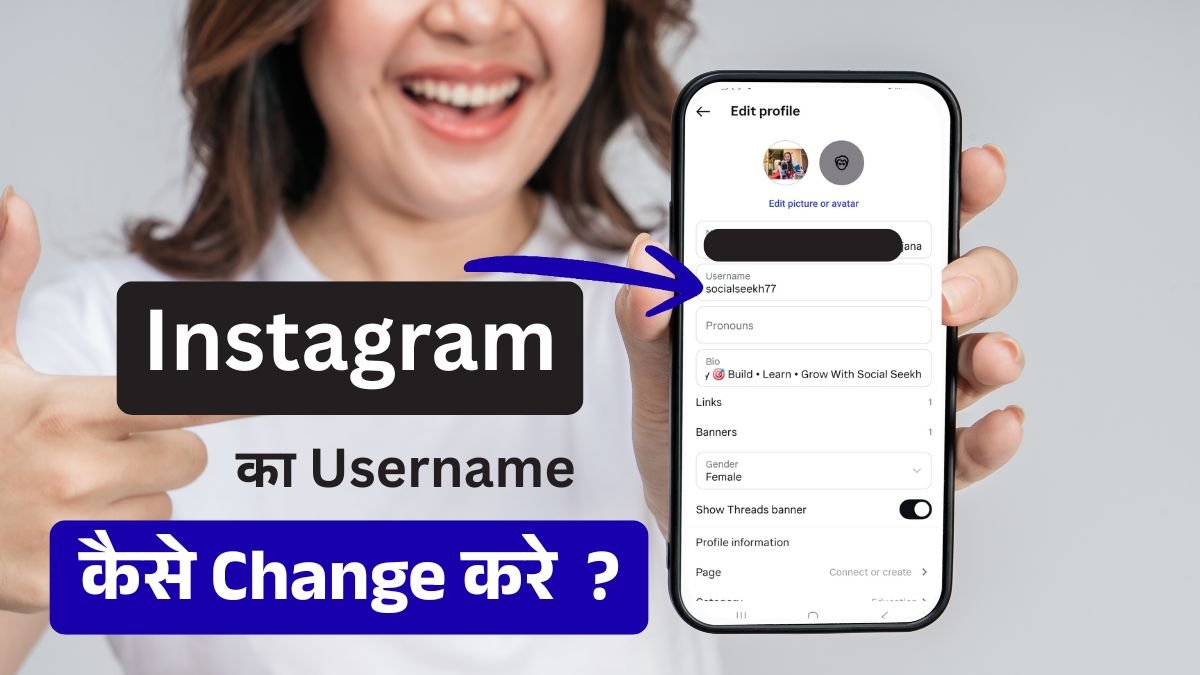
Username आपके Instagram Profile के brand को Represent करता है साथ ही ये आपके Profile तक पहुंचने का Direct link भी है मतलब ये आपके Instagram profile ka web address होता है जिसके इस्तमाल से कोई भी user आपकी Instagram profile तक पहुंच सकता है.
कुछ लोग Username choose करते वक़्त ज्यादा कुछ नहीं सोचते जिस से उनके Instagram growth मे Effect पड़ता है लकीन वो इस बात को समझ नहीं पाते.
अपनी Instagram profile को सही तरीके से optimized करने के लिए Username भी आपको सही choose करना होगा
User name ऐसा होना चाहिए जो आपके Brand को Represent करें, username याद रखने मे और type करने मे easy हो, जिस से आपकी audience आपकी profile तक पहुंचने मे serach कर के आ सके.
साथ ही अगर आप Username को SEO optimized करते है तो आप google और Instagram serach मे भी rank कर सकते है जिस से बहुत सारे organic follower भी आपको मिलते है और आप instagram पर grow करते है.
Username लेते वक़्त क्या करना चाहिए:
- Simple और memorable username ले
- जिस niche मे काम करना है उस से related keyword username मे add करें (जैसे अगर fashion है तो “fashionwithsarah” अच्छा होगा “sarahxyz” से)
- Username मे Numbers avoid करें जब बहुत जरुरी हो केवल तभी ले
- Underscore use करें लकीन clarity रखे
- Username आपकी Brand Represent करता है इसलिए username को consistent रखें सभी platforms पर
Step 2: Bio को Optimized करें
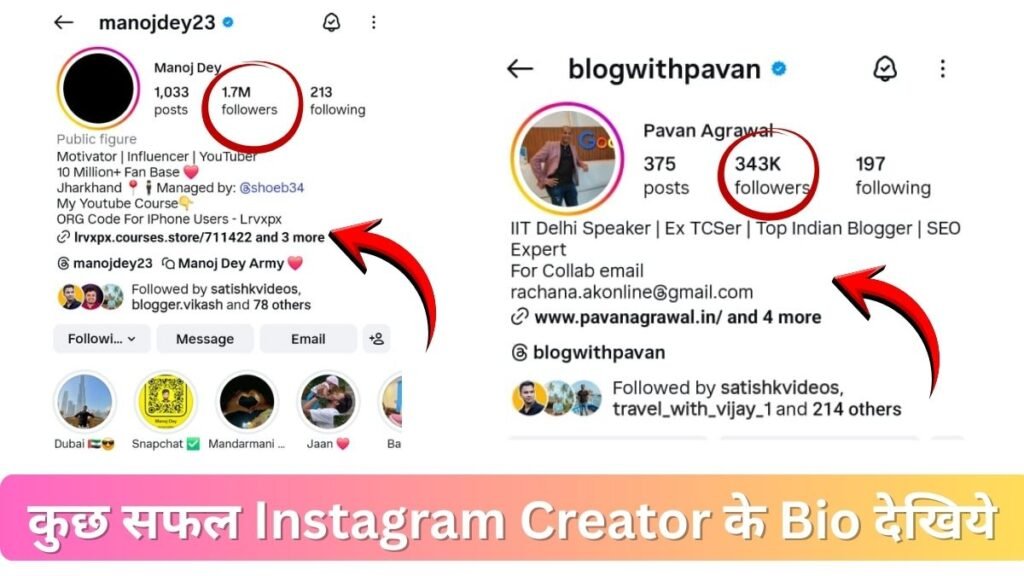
Instagram Profile को Optimized करने के लिए आपको Instagram Bio को बेहतर तरीके से Optimized करना चाहिए क्यों की जब कोई user आपके Instagram profile को visit करता है तो वह सब से पहले आपके Bio को ही Check करता है.
Bio Instagram growth मे बहुत बढ़ा role play करता है इस से audience को पता चलता है आप कौन है और instagram पर किसी तरह का content बनाते है, Bio से audience को आपके experince के बारे मे, आपके बारे मे और आपके काम के बारे मे सब कुछ एक छोटे से 150 character मे पता चल जाता है.
बस आपको अपने Bio को इस तरह से optimized करना है Bio को Optimized करने के लिए निन्म बातो को follow करें :-
- Clear और Perfect Profile Picture लगाए अपनी या फिर Business का लोगो
- Title सही बनाये अपने Expertise को show करें जैसे की Content Creator, Fitness Coach, Digital Marketer, etc.
- Description मे अपने बारे मे बताये जिस से audience कम शब्दो मे आपके बारे मे अच्छे से जान पाए
- Call-to-action मे link add करें (जैसे की Link in bio, DM for inquiries, Download free guide)
- Relevant emojis use करें emoji से bio काफ़ी engaging लगता है
उदाहरण: “🎯 Digital Marketing Tips | Helping Startups Grow 📈 | Free SEO Guide in Bio ⬇️”
Step 3: Profile Photo सही चुने
Instagram पर आपकी Profile Picture ही सबसे Important visual element है। Profile picture से Trust and authority बढ़ती है और आपका profile अच्छे से Optimized होता है. आप चाहे तो logo का इस्तमाल करें या फिर आपकी खुद की image लगा सकते है लकीन image clear होनी चाहिए.
Profile picture के लिए Pro Tips:
- High-resolution image ही upload करें
- Face clearly visible हो (अगर personal brand बना रहे है तो)
- Consistent branding बनाए (हर account पर same style वाली same image रखें)
- Professional-looking photo रहे, लेकिन Relevant रखिये
- Logo use कर सकते हो अगर आपका business account है
Step 4: Content Strategy बनाये : Regular और Consistent Posting करें
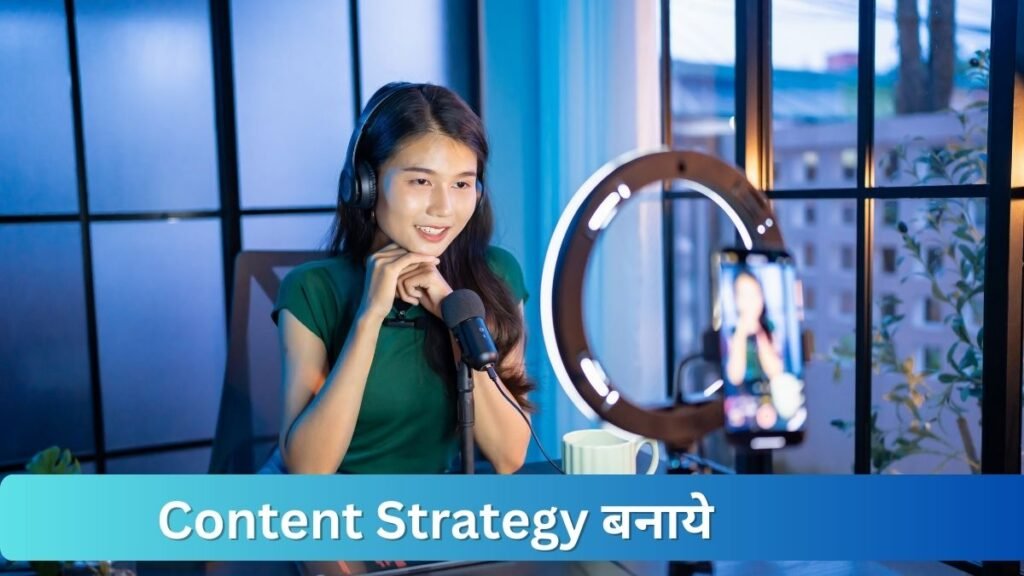
Instagram Active profile को ज्यादा महत्त्व देता है आपको Instagram page Grow करने के लिए Content Strategy plan करनी होंगी. जैसे की एक week मे आप कितनी Post Publish करेंगे और किस Time पर करेंगे.
आपको High Quality Reels, Post और Carousel Post Publish करनी है और Regular Stories रखनी है इस से आपका instagram Profile हमेशा active दिखता है. इंस्टाग्राम का algorithm consistency को पसंद करता.
Posting Schedule बनाएं:
- Weekdays पर 3-4 posts per week कम से कम.
- Stories daily post करें (इंस्टाग्राम को stories से बहुत engagement मिलता है)
- Reels के ज़रिए visibility को boost करें (हमेशा से Reels को इंस्टाग्राम algorithm सबसे ज़्यादा promote करता है)
- Captions में story लिखें, सिर्फ product description नहीं लिखें
मेरा observation जो brands or Instagram Pages daily stories post करते हैं और weekly 2-3 reels डालते हैं, उनका engagement 3x normal से ज़्यादा होता है
Step 5: Hashtag इस्तमाल करने की Strategy

Hastag आपके instagram post को Viral करने मे मदद करता है बहुत से instagram user Hashtag इस्तमाल कर के भी Content serach करते है और कभी कभी Trending hashtag से भी post viral जाती है. आपको अपने content मे research कर के relevant hashtag का इस्तमाल करना चाहिए.
Hashtag research सिर्फ इंस्टाग्राम के लिए नहीं, बल्कि SEO perspective से भी important है। सही hashtags use करने से आपकी content नए audience तक पहुँचता है और आपको Hashtag सही तरीके से इस्तमाल करना चाहिए.
इस तरह की Hashtag Strategy को अपना सकते है :
- 20-30 relevant hashtags का इस्तमाल कर सकते है (इंस्टाग्राम इतना allow करता है)
- Mix hashtag use करें जैसे की high-volume (1M+) और low-volume (10K-100K) hashtags.
- Niche-specific hashtags को ज्यादा priority दे जिस से relevant audience तक content reach करें
- Trending hashtags add करें, लेकिन relevant होने चाहिए इस से ज्यादा logo तक content पहुँचता है
- Brand-specific hashtag बनाएं (#YourBrandName format में) इस से profile reach भी बढ़ती है
उदाहरण: अगर आप fitness content create करते हो: #FitnessMotivation #FitnessCoach #IndiaFitness #WorkoutAtHome #HealthyLifestyle #TransformationGoals
Step 6: Caption मे Storytelling की Method apply करें.
Instagram मे सही Caption इस्तमाल करना एक art है। जिस से engagement बढ़ती है और audience भी connect होती है आप post मे caption को इस्तमाल करें. आये कुछ tips जानते है की caption कैसे लिखें.
Caption Writing Tips:
- Caption मे First line में hook Create करें जिस से Curiosity create हो और intial user का ध्यान खींच सके engagement मिले
- Information को Story टेलिंग कर के लिखें और personalized करें जिस से trust बढ़े
- Call-to-action जरूर include करें (comment, share, save) इस तरह का Enagement instagram Reach और बढ़ता हैँ
- सही relevant Emoji use जिस से readability बढ़े
- छोटे छोटे paragraph मे लिखें Line breaks करें—और बड़ा paragraph लिखने को avoid करें
उदाहरण caption structure: “Interesting hook + Story/Value + Question/CTA + Relevant Emojis”
Step 7: Theme Color चुनें
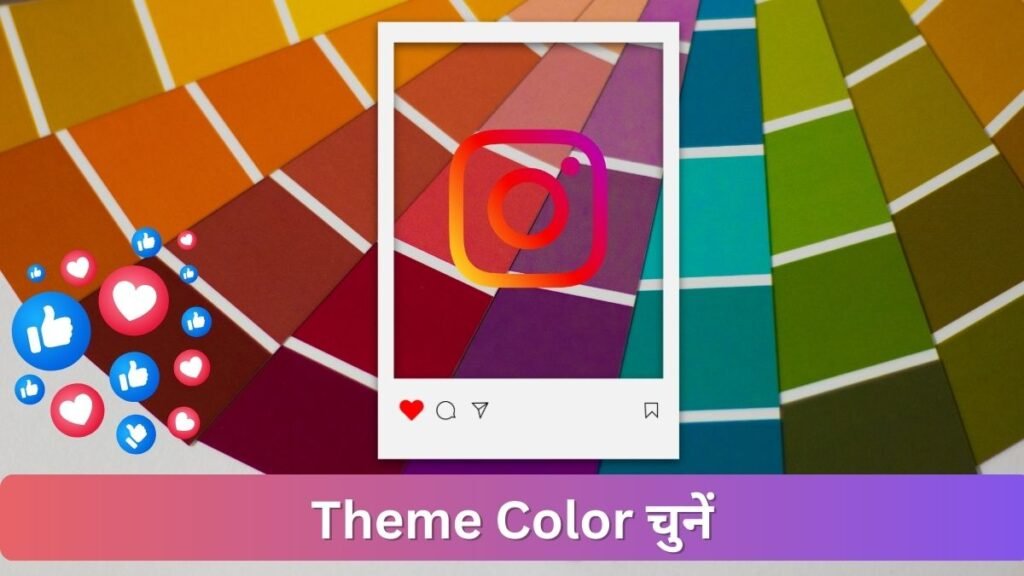
Instagram पर reels post का अपना एक format choose करें और color combination Similar format मे perfect बनाये इस से आपकी profile काफ़ी professional लगती है और user engagement भी बढ़ती है.
आप instagram profile के लिए theme color choose कर सकते है जो आपके brand का color होगा ये काफ़ी professional है और इस से आपका instagram page काफ़ी optimized होगा.
Step 8: Stories को Daily publish करें
कई Instagram user Stories daily share नहीं करते जबकि stories की reach बहुत अच्छी होती है बहुत से लोग इसे underrated कर देते हैं, जबकि stories लगाने से brand awareness और engagement दोनों बढ़ता है। आये हम stories पर strategy discuss करते है
Story Strategy:
- Instagram page से आप Daily stories post करें
- इसकी मदद से आप Behind-the-scenes content share करें
- Polls, questions, stickers भी अपनी stories मे use करें ( इस से interaction बढ़ता है)
- Important Story ka highlights create करें जिस से वह ना सिर्फ 24hrs के लिए हो बल्कि long term आपके user use देख सके
- Stories मे Link stickers use यह features आपको 10K+ followers के बाद मिलता है
Step 9: Analytics समझ कर Right Decisions ले
Instagram के Professional account मे चाहे वो Creator account हो या फिर Business account हो दोनों मे आपका Content कैसा perform कर रहा है इसका analytics देखने को मिल जाता है analytics के bases पर आप decision ले सकते है की आपको किस तरह का content बनाना चाहिए. आपकी audience को क्या पसंद आ रहा है.
इसके लिए आप analytics मे Check करें:
- कौन सी posts को maximum engagement मिल रही है.फिर उसी तरह का content बनाये
- Post publish करने का Best time क्या है किस समय आपकी audience active रहती है
- Follower demographics (age, location, gender) क्या है उस हिसाब से content बनाये या ads promotion मे भी ये data काम आता गई
- Top traffic sources क्या है किस source से audience मिल रही है
- Save और shares की count कितने है
Conclusion
आज के इस लेख मे हम ने जाना की इनाटाग्राम पर सही से काम कैसे किया जाये. कैसे आप अपने instagram profile को optimized कर सकते है जिस से आपकी growth हो और आप instagram पर काफ़ी relevant followers gain करें.
देखिये इंस्टाग्राम profile optimization करना na सिर्फ science है बल्कि ek art भी है दोनों को सही तरह से इस्तमाल करने से growth होती है । आपको Consistency, quality content, और right strategy से काम करना है इस से आप definitely अपने profile को grow कर पाएंगे
याद रखें: कभी भी overnight success नहीं होती Regular posting, audience engagement, और Quality content provide कर के आप instagram मे growth पा सकते है
Read More:-
- Instagram Professional Account Kaise Banaye?
- Instagram Last Seen Hide Kaise Kare ?
- Instagram Blocked Users List Kaise Check Kare ? (Real & Simple Guide)

मेरा नाम Rohit Mourya है मैं इस Blog का Author हूँ मैंने Instagram को खुद इस्तमाल किया है और बहुत कुछ सीखा है अपने अनुभव को share करने के लिए मैंने Insta Soch Blog बनाया है जिस से उन सभी नए Creator की मदद हो सके जो Instagram पर Grow करना चाहते है.